

 See My Latest Article on HelloNation
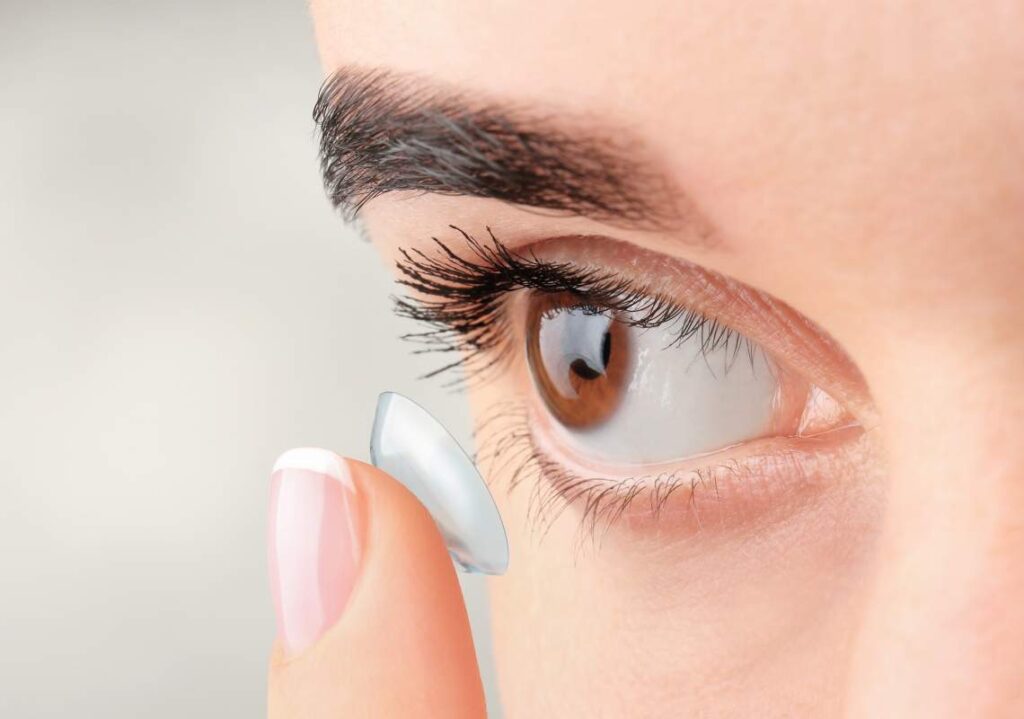
Screen-related eye discomfort is common, especially during long workdays, homework sessions, gaming, or evening phone use. The usual symptoms include tired or burning eyes, dryness, watering, blurred vision, headaches, and difficulty refocusing after looking away.
Digital eye strain does not usually mean that screens are permanently damaging the eyes. It is more often linked to reduced blinking, prolonged close-up focusing, glare, poor screen placement, dry air, or a vision prescription that no longer matches the task.
What causes eye strain from screens?
Eye strain usually develops because the eyes are asked to focus at one distance for an extended period. Reading small text, switching between multiple displays, or holding a phone close to the face can make the focusing system work continuously without enough relaxation.
Screen use also tends to reduce blinking. Blinking spreads tears across the eye’s surface, so fewer blinks can lead to dryness, burning, gritty sensations, watering, and temporary blur.
Other contributing factors include:
- Reflections from windows, overhead lights, or glossy screens
- Screen brightness that is much higher or lower than the surrounding room
- Text that is too small to read comfortably
- A monitor positioned too close or too high
- Uncorrected nearsightedness, farsightedness, astigmatism, or age-related focusing changes
- Fans, heating systems, or very dry indoor air
For households in Rapid City, winter heating, low indoor humidity, and bright outdoor conditions can make dryness and glare more noticeable. Snow and strong sunlight may increase reflections near windows, while heated indoor air can make contact lens wear less comfortable.
Does the 20-20-20 rule really help?
Yes. Every 20 minutes, look at something at least 20 feet away for about 20 seconds. This gives the eyes a brief change from close-up focusing and encourages a natural blink.
The break works best when it is a true distance break rather than switching from a computer to a phone. A person working at a desk might look through a window, down a hallway, or toward a distant room. A timer, calendar reminder, or built-in screen break feature can help establish the habit.
Longer pauses are also useful. Every hour, stand up, stretch, walk briefly, or complete a task that does not require close screen viewing. Short, frequent breaks are generally easier to maintain than waiting until the eyes already hurt.
How should a computer screen be positioned?
A computer monitor should generally sit about an arm’s length away, although the proper distance depends on screen size and text clarity. The center of the screen should be slightly below eye level, allowing the eyes to look downward rather than straight ahead or upward.
This position can reduce the amount of exposed eye surface and may help limit dryness. It can also reduce neck and shoulder tension that sometimes gets mistaken for a purely eye-related problem.
Try these adjustments:
- Increase text size before moving the screen closer.
- Keep the monitor directly in front of the body.
- Position a laptop on a stable surface rather than using it in the lap for long periods.
- Use a separate keyboard and mouse if raising a laptop screen to a more comfortable height.
- Keep printed materials near the monitor so the eyes do not repeatedly shift between widely separated distances.
Phones and tablets deserve similar attention. Hold them far enough away that text can be read without squinting, and avoid using them inches from the face for extended periods.
What lighting reduces glare?
The most comfortable lighting is usually similar in brightness to the screen. A very bright screen in a dark room can feel harsh, while a dim screen in a brightly lit room can encourage squinting.
Reduce glare by:

- Turning the monitor away from direct window reflections
- Closing blinds or adjusting curtains during bright daylight
- Moving desk lamps so they illuminate the work area without shining into the eyes or onto the screen
- Cleaning the screen regularly
- Adjusting screen brightness and contrast until text looks clear without appearing luminous
- Using a matte screen surface when reflections are difficult to control
Bright outdoor light can be especially distracting during clear winter days. A screen positioned perpendicular to a window may have fewer reflections than one facing directly toward or away from it.
How can blinking and dryness be improved?
Make a deliberate effort to blink fully and frequently during screen work. Some people find it helpful to pause after a sentence or paragraph, close the eyes gently for a moment, and then blink several times.
If the eyes feel dry, burning, or gritty, reduce direct airflow from fans, vents, and vehicle heaters. A room humidifier may help when indoor air is persistently dry, but it should be cleaned according to the manufacturer’s instructions to avoid adding contaminants to the air.
People who wear contact lenses may notice discomfort sooner during prolonged screen use. Wearing glasses during some screen tasks, taking lens breaks, and following the prescribed cleaning and replacement schedule may improve comfort. Lubricating eye drops can be useful for some individuals, but products differ, and frequent symptoms deserve attention rather than being masked indefinitely.
Do blue-light glasses prevent eye strain?
Blue-light filtering glasses are not a universal solution for screen discomfort. Current guidance does not show that ordinary screen blue light causes blindness or that special lenses are required for everyone who uses a digital device.
Comfort usually improves more reliably through breaks, blinking, glare control, proper screen distance, adequate text size, and an up-to-date prescription. Some people prefer warmer screen settings in the evening because they feel more comfortable, but this is different from proving that blue-light filters prevent eye disease.
Reducing late-night screen exposure may also support sleep, particularly when a bright screen is used close to bedtime. That concern relates more to alertness and sleep timing than to ordinary daytime eye damage.
When could an eye examination be useful?
Persistent eye strain can sometimes point to a prescription problem, dry-eye condition, focusing difficulty, or another issue that screens merely make more noticeable. An eye examination is especially reasonable if symptoms continue after improving screen habits or if vision is frequently blurry at distance or near.
Prompt medical attention is appropriate for sudden vision loss, significant eye pain, new double vision, flashes of light, a sudden increase in floaters, marked redness, or symptoms affecting only one eye. These signs are not typical of ordinary digital eye strain.
For children and teenagers, frequent squinting, sitting unusually close to screens, headaches after schoolwork, or avoiding reading may also deserve evaluation. Screen habits should be adjusted, but recurring symptoms should not automatically be blamed on device use.
A practical starting routine is simple: enlarge difficult text, place the screen slightly below eye level, match screen brightness to the room, blink deliberately, and take a distance-viewing break every 20 minutes. These changes address the most common causes of discomfort without requiring special equipment.